Levels Matter Add-On
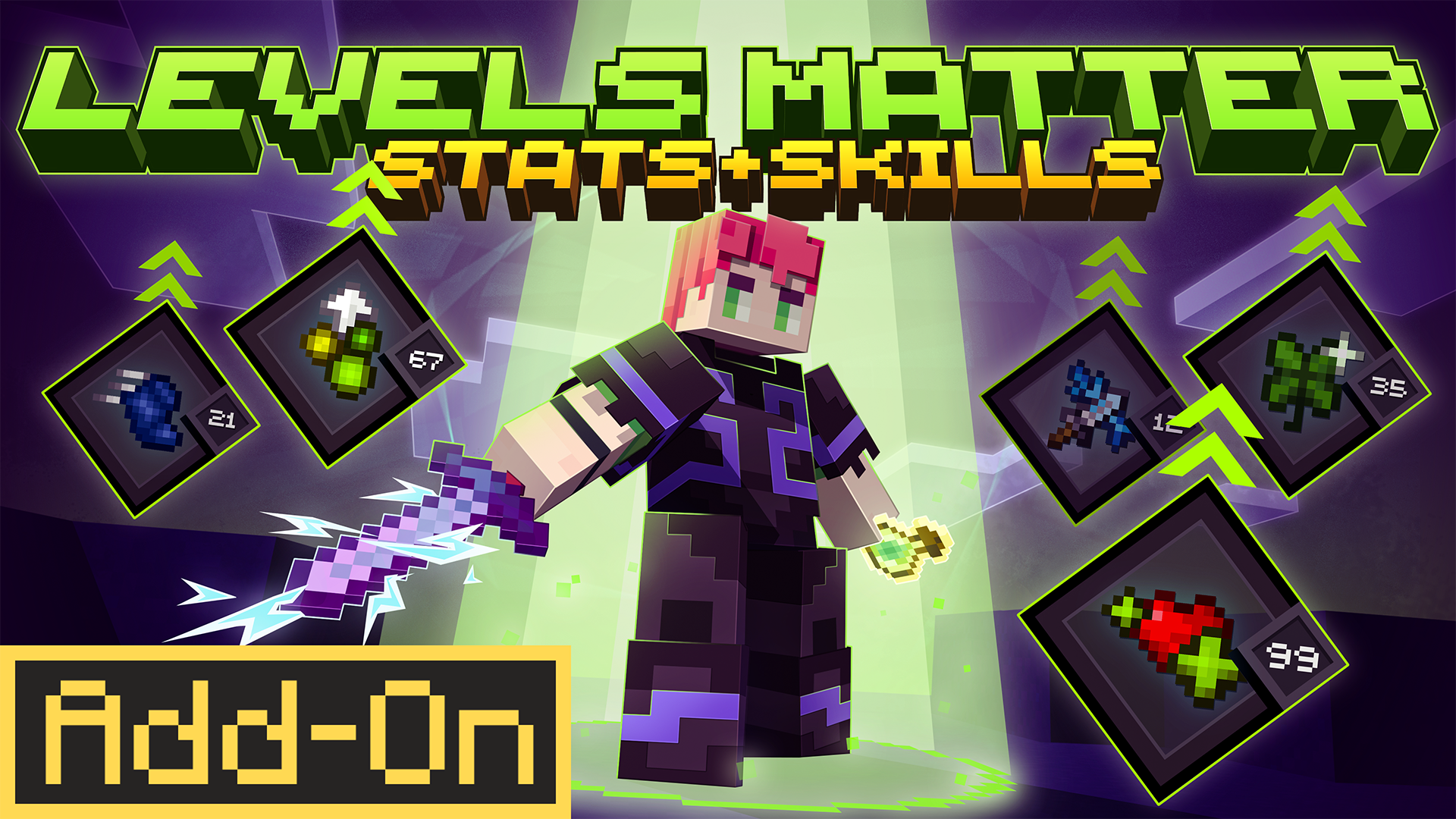
Levels Matter turns your XP bar into a character progression system. Every time you reach a new personal-best XP level, you earn an attribute point to spend across 8 upgradeable stats — shaping your playstyle without changing how Minecraft feels.
 Join the Community

Getting Started
How It Works
Levels Matter layers an RPG attribute system on top of standard Minecraft survival. You don't need to craft anything or find a special location — just play normally and earn XP. Every time your XP level reaches a new personal-best, you receive one attribute point.
Only new high scores count. Losing levels to death and regaining them does not award duplicate points — you have to push further than you've ever been.
Quick-start Steps
- Join a survival world with the add-on active.
- Earn XP through any normal activity — mining, combat, smelting, fishing, etc.
- Each time you hit a new highest XP level, you earn 1 attribute point.
- Use the Interface Spawn Egg (given automatically) to place the interface screen.
- Interact with the screen to open the attribute management UI.
- Press + to allocate points to any attribute, then hit Save to apply them.
- Keep grinding XP to unlock more points and push all attributes to 100.
The Interface
The interface is a 3D interactive book entity you place in your world. Interact with it to open the attribute management screen. Press Jump or Sneak to close it at any time.
Attributes
There are 8 attributes, each scaling from level 0 to 100 along a balance curve. Spend points however you like — a fully offensive build is just as valid as a defensive one.
AOE Damage
AOEDamage On hit, triggers chain lightning that arcs to nearby enemies. Scales chain chance (0–50%), reach (0–12 blocks), and max targets (0–12). Chains can't cascade — 5-tick cooldown. Applies knockback to chained targets.
Sprint Speed
SprintSpeed Increases movement speed while sprinting. Scales from 0% to +130% bonus speed, applied the moment you start sprinting.
Crit Chance
CritChance Grants a chance to deal double damage on hit. Scales from 0% to 100% crit chance. Critical hits reduce the target's HP directly.
Health Regen
HealthRegen Passive regeneration while out of combat. After a 5-second combat delay, heals 1 HP at an interval that shrinks from every 160 ticks down to every 4 ticks.
Increased XP
IncreasedXP Spawns bonus XP orbs whenever you gain XP. Multiplier scales from 0% to +200% bonus XP. Capped at 500 orbs per tick. Suppressed during death XP restoration to prevent exploits.
Luck
Luck Chance to receive bonus loot when mining ores (17 ore types supported) or killing entities. Scales from 0% to 25%. Uses the entity's own loot table for bonus drops. Does not trigger in Creative mode.
Less Hunger
LessHunger Reduces exhaustion gain each tick. Scales from 0% to 95% reduction. Intercepts the exhaustion delta every tick to apply the reduction.
Knockback
Knockback Amplifies knockback dealt to entities on hit. Scales from 0% to +1200% bonus knockback. Scales existing velocity and preserves direction. Requires a minimum horizontal velocity of 0.01 to activate.
Settings
Prevent XP Loss on Death
Host onlyWhen enabled, all players in the world keep their XP on death — they respawn with the same levels they had. Only the world host can toggle this setting from the interface's Settings panel.
Debug Commands
These commands can be entered in the Minecraft chat to test or verify add-on functionality. Cheats must be enabled.
Reset Player Data
Wipes all progression — levels, unspent points, and attribute allocations — for the player who runs it.
/scriptevent shapescape_lvm:reset_data Set Attribute Level
Directly set any attribute to a specific level. Useful for testing effects without grinding XP.
/scriptevent shapescape_lvm:attribute set <AttributeId> <points> Max out all attributes at once:
/scriptevent shapescape_lvm:attribute set AOEDamage 100 /scriptevent shapescape_lvm:attribute set SprintSpeed 100 /scriptevent shapescape_lvm:attribute set CritChance 100 /scriptevent shapescape_lvm:attribute set HealthRegen 100 /scriptevent shapescape_lvm:attribute set IncreasedXP 100 /scriptevent shapescape_lvm:attribute set Luck 100 /scriptevent shapescape_lvm:attribute set LessHunger 100 /scriptevent shapescape_lvm:attribute set Knockback 100 Spend / Refund Points
Spend or refund a specific number of points on an attribute programmatically.
/scriptevent shapescape_lvm:attribute spend <AttributeId> <points> /scriptevent shapescape_lvm:attribute refund <AttributeId> <points> Utility
| Command | Effect |
|---|---|
/function shapescape/lvm/addon_version | Prints the current add-on version to chat. |
/function shapescape/lvm/starting_eq | Re-gives the Interface Spawn Egg. |
Valid Attribute IDs
Tips
Push new highs to earn points
Only levels you've never reached before award attribute points. Focus on steadily climbing — every new level is progress.
Save before closing
Points allocated with + / − are pending until you hit Save. Closing the interface without saving will discard unsaved changes.
Refunding costs emeralds
You can reassign all your points at any time for 10 Emeralds. Double-click to confirm — there's no partial refund.
Multiplayer
Each player tracks their own progression independently. The host's XP Loss setting applies to everyone, but attribute points and levels are per-player.
Increased XP stacks with grind
Investing early in Increased XP creates a compounding effect — you level up faster, earn more points sooner, and can reinvest those points into other attributes.
AOE Damage chains don't cascade
A single strike can chain to up to 12 targets, but those chained hits won't trigger further chains. The 5-tick cooldown prevents chain reactions from spiralling.